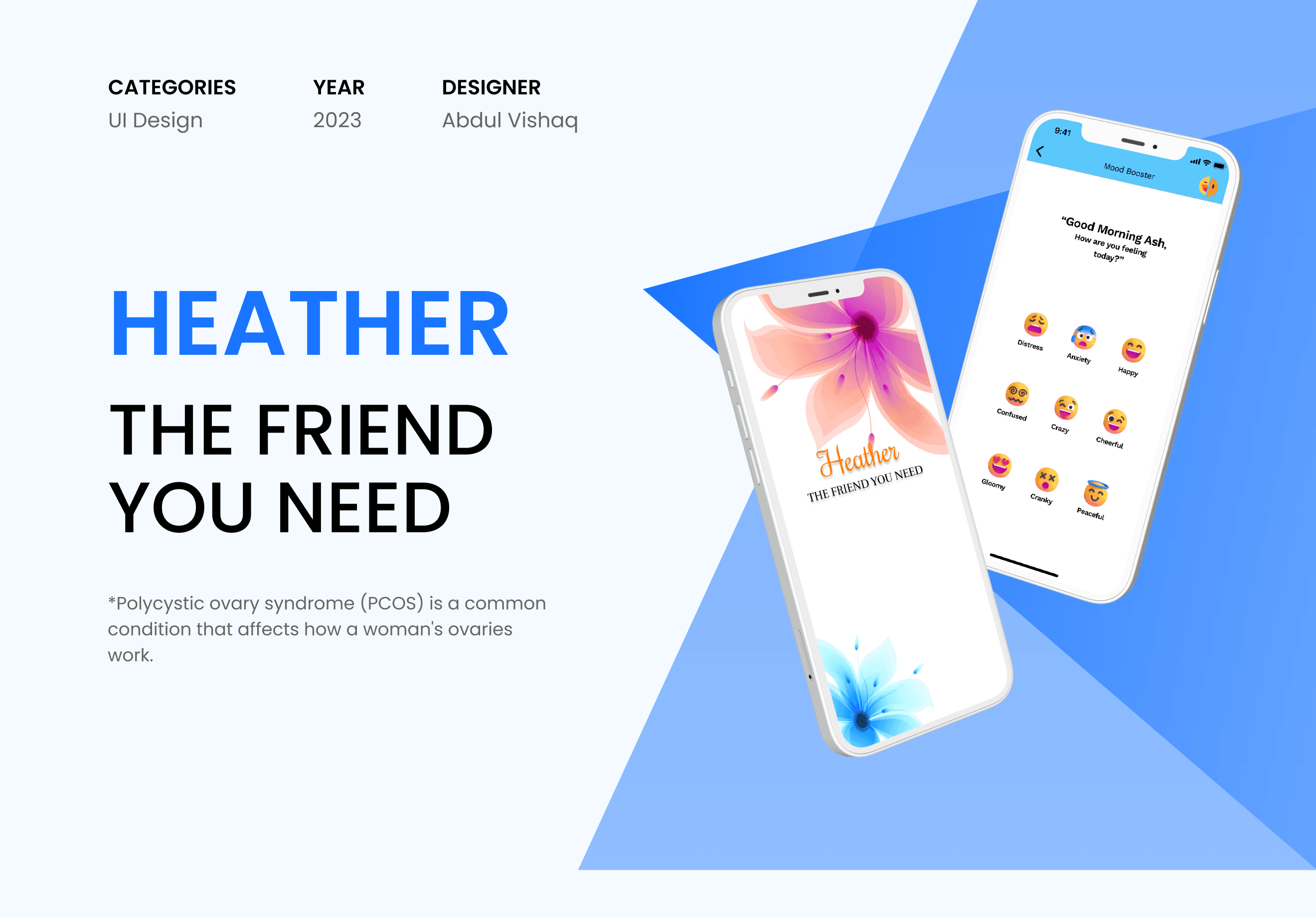
Many women navigating PCOS feel isolated and lack tools to manage symptoms effectively
A UX case study exploring how WhatsApp’s media search can be re-imagined to deliver faster retrieval, contextual filtering, and a cleaner browsing experience.
Overview
The goal was to enhance the way users locate shared photos, videos, and files in long chat histories. While WhatsApp already organises media under the “Media, Links, and Docs” section, navigation becomes tedious as the content grows.
Challenges Identified:
Users spend too much time scrolling to locate a specific file or image.
Lack of contextual filters (e.g., sender, date).
Visual hierarchy is limited, leading to inefficient browsing.
Objective:
Design a smoother, precision-driven browsing and filtering system that improves discoverability without compromising WhatsApp’s clean interface.

Proposed Solution: Contextual Filter + View Customisation
A new adaptive filter system allows users to:
Filter media by sender(s) and date range.
Instantly preview selected filters without leaving the screen.
Clear filters seamlessly with one tap.
Switch between grid and list view modes for better clarity.
Key Improvements:
Real-time adaptive layout response.
Bottom-sheet filtering pattern for contextual engagement.
Clear visual state for active filters.
Smooth transition animations aligned with WhatsApp’s motion principles.

User Flow Points
User interviews revealed common pain areas:
Searching for old media is time-consuming.
The media view lacks contextual filtering.
No quick way to view media from a specific sender or time.
Users rely on memory rather than structured retrieval cues.
Why This Matters
Reduces retrieval time by ~60%.
Empowers users to locate content confidently.
Aligns with WhatsApp’s minimal design DNA.
Increases engagement in large-group scenarios.
Interaction Flow
1. Filter Activation:
Users tap the filter icon to open a bottom-sheet selector.
2. Sender Selection:
Multiple senders can be chosen; UI updates dynamically.
3. Date Range Selection:
Quick presets (Last week, Month, Custom).
4. Filtered View:
Media grid updates instantly with relevant thumbnails.
5. Clear Filter:
Single-tap clear option for rapid reset.
Impact of the Redesign
Post-prototype testing indicated:
Users felt more in control when navigating older media.
Perceived cognitive load dropped noticeably.
Increased task satisfaction — “It feels lighter and smarter.”
Smooth transitions boosted visual recall and usability trust.
Conclusion
This redesign demonstrates how small UX decisions can transform routine tasks into efficient, intuitive actions.
Precision-driven discovery, combined with consistent design language, makes the experience more fluid without breaking WhatsApp’s simplicity.
By maintaining visual familiarity while improving flow, this exploration envisions how WhatsApp can evolve toward contextual intelligence — helping users find exactly what they need, faster.